
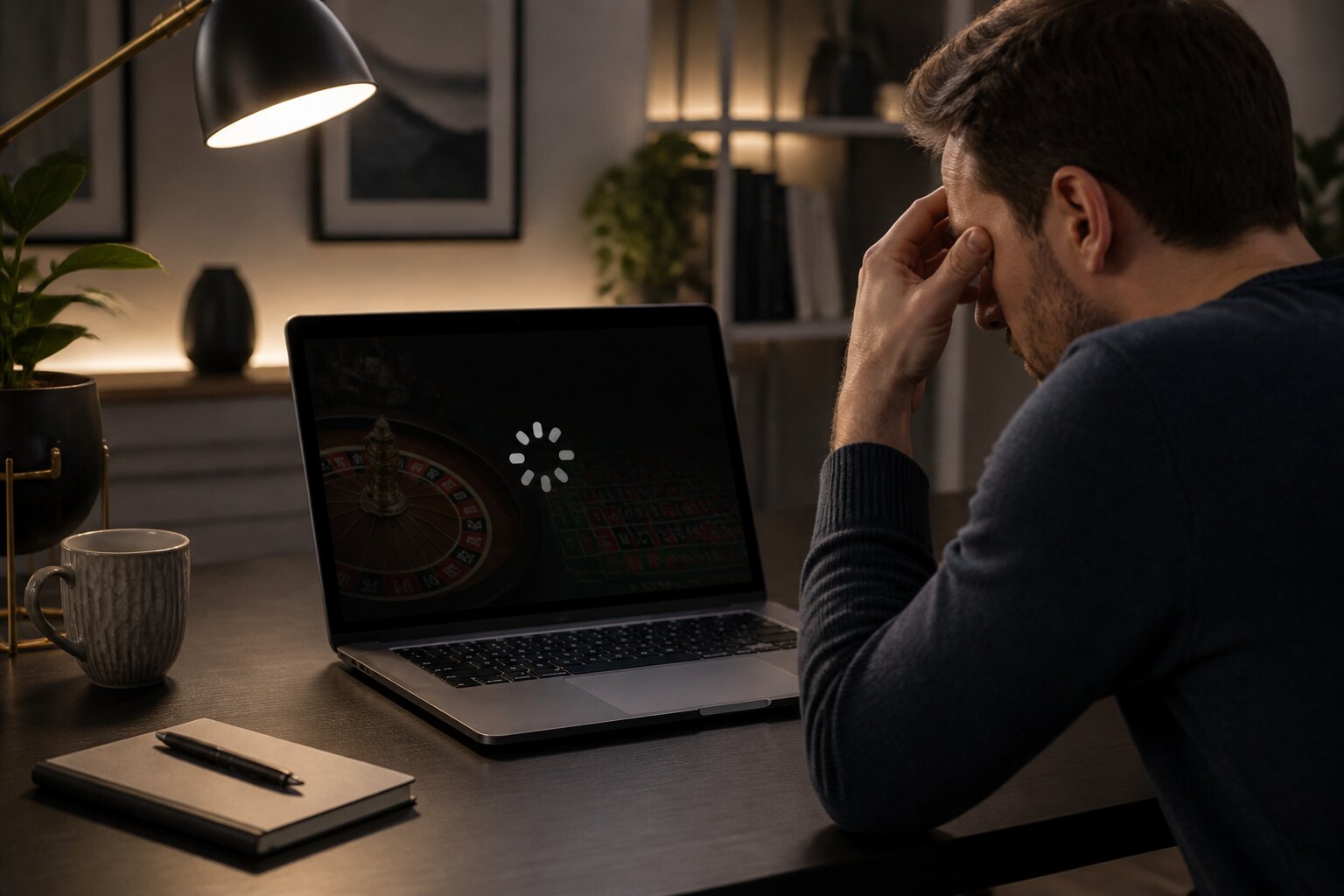
There’s nothing more frustrating than starting a game and watching it freeze or fail to load. These interruptions turn an enjoyable session into a confusing pause and leave you wondering what to do next.
Most problems are technical and can be fixed without fuss. This guide walks through the common causes, practical fixes, and what to do if your account or funds appear affected, so you can get back to playing with confidence.
Read on to identify the likely culprit and follow straightforward remedies that work across devices and browsers.
Why Do Casino Games Freeze or Fail to Load?
Games stop working for a few predictable reasons. The most common is an unstable internet connection: even brief drops in WiFi or mobile data can interrupt the flow of information between your device and the game server, producing a frozen screen or constant loading icon.
Another frequent cause is cached data. Browsers and apps collect temporary files to speed things up, but when that cache becomes stale or corrupted it can interfere with new content and cause crashes or incomplete loads.
Compatibility problems also matter. Games increasingly use modern web and mobile technologies that need up-to-date operating systems, browsers, or hardware. Older devices, missing updates, or unsupported browsers can cause graphics to fail or features to be unavailable.
Finally, there are server-side issues. Maintenance, technical faults, or unusually high traffic on the operator’s servers can cause games to freeze or display errors. Knowing the likely causes helps you choose the right fix quickly and move on to solutions that restore normal play. The next section explains the practical steps to try first.
Common Fixes for Frozen Casino Game Screens
When a game freezes or refuses to load, several reliable actions usually get things moving again. These steps address both device-side and network problems so you can identify the source and resolve it without fuss. They are practical measures you can try yourself before contacting support.
Check Your Internet Connection
A steady connection is essential for smooth gameplay. If you see buffering or long load times, try moving closer to the router or switching from WiFi to a wired connection where possible. A wired connection is generally more stable for desktop play, while staying within clear signal range helps on mobile.
Restarting the router by powering it off for about thirty seconds can clear intermittent faults and force the modem to renegotiate with your internet provider. If you are using WiFi, try switching to a different frequency band, for example from 2.4 GHz to 5 GHz, if your router supports it. On mobile, toggling aeroplane mode or restarting the device refreshes the data connection and often restores normal play.
You should also check for local outages with your internet service provider, and avoid heavy network use on the same connection while playing, such as large downloads or other devices streaming video, which can reduce available bandwidth.
Refresh or Reopen the Game
Minor glitches often clear with a simple restart of the game. Close the browser tab or fully quit the app and reopen it. Make sure the app is not running in the background where it may consume memory; a full quit is more effective than simply switching tabs.
Logging out and back into your account can reset your session and remove stuck processes, so try that if a plain reopen does not help. If the problem persists, try playing a different game briefly to see whether the issue is specific to one title or affects the whole platform.
Clear Browser or App Cache
Clearing the cache removes outdated temporary files that can cause conflicts. In browsers, this option is usually under settings as ‘Privacy’, ‘History’, or ‘Clear browsing data’. Clearing cookies as well can help if sessions are corrupted, but note you may need to log back into sites afterwards.
On mobile devices, clear the app cache via storage settings. If an app has a clear data option, use it only if you are comfortable signing in again and any local settings will be lost. After clearing, restart the browser or device to ensure the clean state takes effect.
Update Software and Devices
Compatibility problems frequently stem from outdated software. Check for updates to your browser, casino app, and device operating system. Installing available updates and restarting the device reduces the chance of future errors and keeps security features current.
On desktops, also ensure your graphics drivers are up to date, especially if the game uses hardware acceleration. With software kept up to date, games are far more likely to run as intended and you will reduce the risk of crashes or freezes caused by incompatibilities.
If these steps do not resolve the issue, the problem could be affecting account records or funds; the next section covers what to check and how to raise the matter with support if needed.
What If My Account or Funds Are Affected?
If a freeze or crash seems to have affected your balance or an active bet, there are calm, reliable ways to get clarity. Start by reviewing your account transaction history and game logs. Most operators keep detailed records that show whether a spin or hand completed and how any resulting wins or losses were posted.
If the history does not resolve the question, contact customer support with precise details: the time of the incident, the game involved, and the amounts at stake. The operator’s technical team can review server logs and your ledger to verify the correct outcome. Operators regulated by the UK Gambling Commission follow procedures to keep outcomes fair and to handle any funds affected by technical problems transparently.
Your deposits and winnings are held under strict rules designed to protect customers. If the situation leaves you unsettled, take a short break from play to keep perspective before returning. Next, the guide looks at device and technical requirements that help prevent these problems in the first place.
Device Compatibility and Technical Requirements
Smooth gameplay depends on using devices and software that meet modern requirements. For mobile, games typically run best on recent releases of iOS and Android because those systems include the web and security features new titles rely on. Desktop play is usually most reliable on the current versions of mainstream browsers such as Chrome, Firefox, Edge, and Safari.
Hardware also plays a part. Devices with limited memory or older graphics capabilities can struggle with newer games. As a general benchmark, having at least 2GB of RAM and a stable internet speed around 5 Mbps or higher will reduce interruptions for most titles.
Keeping operating systems, browsers, and apps updated not only improves performance but also helps protect your personal data. Use recommended updates and maintain reasonable hardware expectations to avoid many common loading and freeze issues. If problems persist despite meeting these requirements, it may be time to contact support directly.
When to Contact Customer Support?
Contact support when the issue cannot be resolved by basic troubleshooting or when your account activity looks incorrect. Before reaching out, gather the essential information that helps the team diagnose the problem efficiently: the exact time the issue occurred, the game name, device and browser or app version, and any error messages you saw.
Common reasons to contact support include:
- The game will not reload after several attempts and remains stuck.
- A bet appears to be missing from your balance or game history.
- Winnings from a confirmed win do not appear in your account.
- You experience repeated disconnections, crashes, or error messages across different devices or browsers.
- A deposit, withdrawal, or bonus credit fails to process properly.
- An error message specifically instructs you to contact support or indicates your account is restricted.
The support team will check activity logs and transaction records to resolve disputes and ensure outcomes are correct. If technical issues are affecting your confidence or enjoyment, allow some time away from play before returning. Getting expert help is the right step when troubleshooting stops being effective, and with that assistance you can expect clarity and a fair resolution.
Play Online Casino Games at New Online Slots
With our site, you can enjoy the relaxed atmosphere of online casino gaming from the comfort of your own home. We’re here to offer an easy-going, entertaining experience whenever you feel like having a flutter.
Getting started couldn’t be simpler—just create your account, make a deposit and you’re all set to play. We look forward to welcoming you and hope you have a great time with us.
**The information provided in this blog is intended for educational purposes and should not be construed as betting advice or a guarantee of success. Always gamble responsibly.